.png)
.png)

Daniel Saks
Chief Executive Officer


Marketing generates leads. Sales ignores most of them. RevOps writes reports showing the gap. Nobody fixes it. This cycle repeats at most B2B companies every single quarter.
The numbers confirm it. According to Salesforce research on marketing effectiveness, only about 13% of marketing qualified leads convert to sales qualified leads. That means 87% of the leads your marketing team generates never become pipeline. They enter the CRM and die there.
The usual explanation is "bad leads." Marketing points to sales for slow follow-up. Sales points to marketing for poor lead quality. In most cases, the leads themselves were fine. The system between lead creation and sales follow-up killed them.
A lead fills out a form with name, email, and company. That is all the CRM gets. No industry. No company size. No technology stack. No buying signals. The lead is technically in the system but practically invisible to anyone who could act on it.
According to CRM data hygiene research, 76% of CRM entries are less than half complete. As we covered in our deep dive on CRM completeness, most leads enter the CRM already dead because they lack the data needed for any downstream process to work.
Routing rules depend on data fields. As we detail in our guide to lead routing that scales, every routing strategy depends on complete enrichment data. Route by industry, but the industry field is blank. Route by company size, but the employee count is missing. Route by territory, but the headquarters location is unknown. The lead hits a default queue where it waits for manual assignment that may take hours or days.
According to Harvard Business Review research, responding within 5 minutes makes you 21x more likely to qualify a lead compared to waiting 30 minutes. Every minute in a routing queue is a minute closer to losing the deal to a competitor who responded faster.
Lead scoring models assign points based on attributes and behaviors. But when attribute fields are empty, the model under-scores the lead. A perfect-fit account with an incomplete CRM record scores low because the model cannot see the fit. The lead gets deprioritized and reps never touch it.
A rep picks up a lead with minimal data. No industry context, no technology stack, no signals, no recent company news. The rep sends a generic email because there is nothing to personalize with. The prospect ignores it because it reads like every other cold email. The lead gets marked "unresponsive" after three generic touches.
Leads that do not convert in the first 30-60 days get recycled or marked as "nurture." In practice, this means they go into an email drip that nobody reads and sit in the CRM forever without being re-evaluated. Even when the account's circumstances change (new funding, new hire, technology migration), nobody notices because nobody is watching.
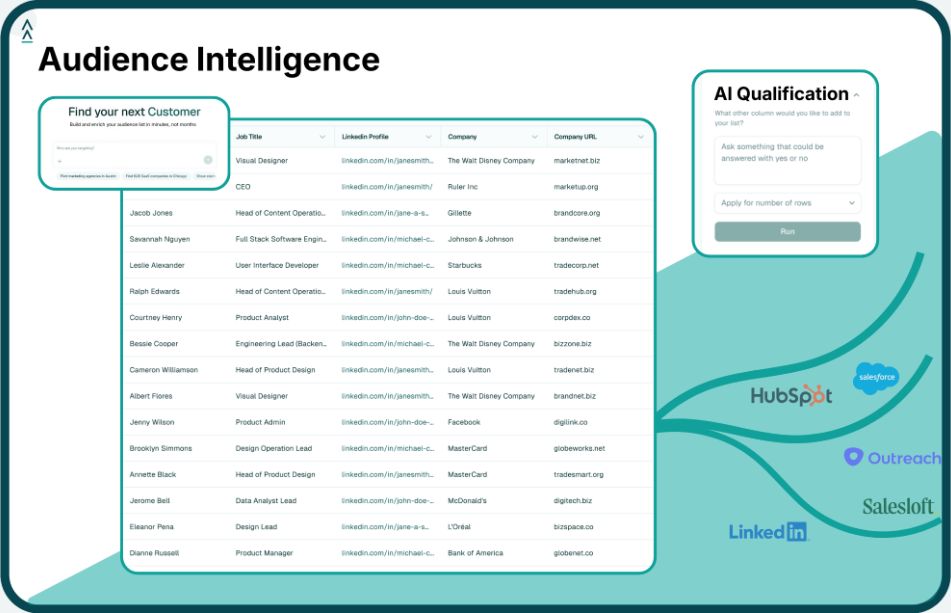
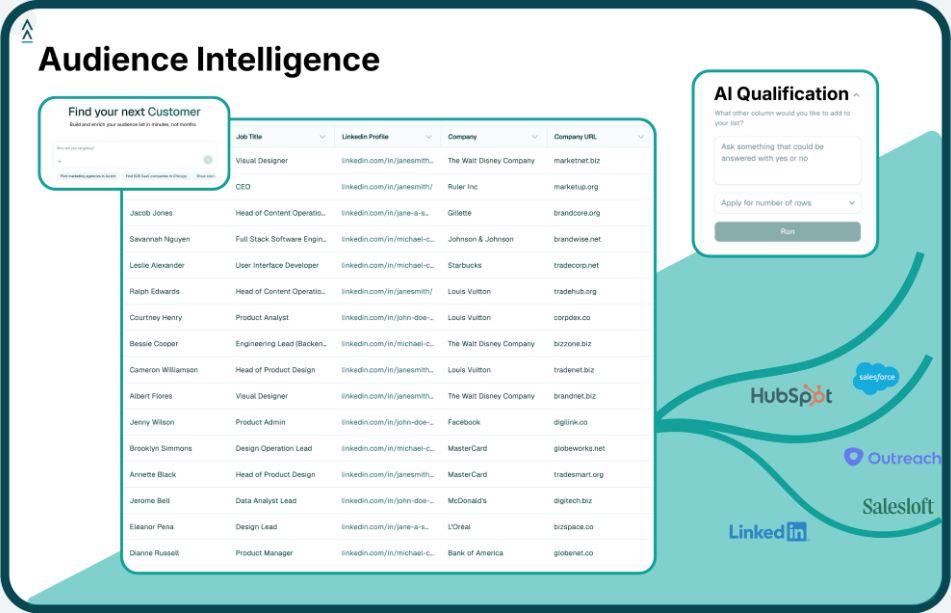
Every lead should be enriched with firmographic, technographic, and signal data the moment it enters the CRM. Landbase delivers accounts with 1,500+ enrichment fields so your routing rules, scoring models, and reps all have the data they need from the first second.
Use CRM automation to route leads instantly based on enriched fields. Build fallback rules so no lead ever sits unassigned. If no routing rule matches, round-robin to a catch-all pool with a 5-minute SLA.
Add buying signals (hiring, funding, technology changes, engagement patterns) to your scoring model. A lead from a company that just raised Series B and is hiring SDRs should score higher than a lead from a Fortune 500 company that filled out a form out of curiosity.
When a rep opens a lead record, they should see: company overview, technology stack, recent news, hiring activity, funding history, and recommended talk track. If the rep has to spend 15 minutes researching before they can write a relevant email, most leads will not get researched.
Set up signal-based re-engagement workflows. When a recycled lead's company raises funding, hires a VP of Sales, or starts a technology migration, automatically re-score the lead and route it back to a rep. The timing was wrong before. Now it might be right.
If your marketing team generates 1,000 MQLs per quarter at a cost of $150 per MQL, that is $150,000 in lead generation spend. At 13% conversion, you get 130 opportunities. The other 870 leads ($130,500 in spend) produce nothing.
If you improve conversion from 13% to 20% through better enrichment, routing, and scoring, you get 200 opportunities from the same 1,000 leads. That is 70 additional opportunities without spending a dollar more on lead generation. At an average deal size of $30,000, those 70 opportunities represent $2.1M in additional pipeline.
Fixing the conversion gap is almost always a better investment than increasing lead volume.
13% is the industry average. Strong programs hit 20-25%. If you are below 10%, you likely have a data quality or routing problem. If you are above 25%, your MQL definition may be too strict and you could be leaving pipeline on the table.
Fix conversion first. Generating more leads into a broken system just wastes more money faster. Once your conversion rate is above 20%, then increasing volume makes sense because each additional lead has a reasonable probability of becoming pipeline.
Run a report on lead age by status. If you have hundreds of leads sitting in "New" or "Open" status for more than 7 days, they are dying. Also check the ratio of leads created to leads contacted within 24 hours. If that ratio is below 80%, your routing or follow-up process is broken.
Yes. Bulk-enrich your existing lead database with current firmographic, technographic, and signal data. Rescore every lead against your current ICP criteria. The leads that now show high ICP fit plus active buying signals are worth routing back to reps immediately. Many teams find 10-15% of their dead leads are actually current opportunities with updated data.
Tool and strategies modern teams need to help their companies grow.