Daniel Saks
Chief Executive Officer


An MCP server is the piece of software that lets an AI assistant such as Claude read from and act in the tools a go-to-market team already uses: the CRM, the ad accounts, the analytics property, a B2B database, the call recorder. It answers a practical question for sales and marketing teams: how does the assistant get real account data instead of guessing?
The standard behind it spread quickly. When Anthropic handed the protocol to the Linux Foundation's new Agentic AI Foundation, it reported more than 10,000 active public MCP servers and 97 million monthly SDK downloads (December 9, 2025). This guide explains what an MCP server is, how it differs from an API or a Zapier workflow, and how to connect one safely.
An MCP server is a program that exposes a tool's data and actions to AI applications through the Model Context Protocol, an open standard for connecting AI assistants to external systems. The assistant discovers what the server offers, then calls it to fetch records or act. An API is built for developers; an MCP server is built for AI assistants.
The Model Context Protocol (MCP) was introduced and open-sourced by Anthropic on November 25, 2024 as "a new standard for connecting AI assistants to the systems where data lives." The launch shipped a specification with SDKs, local server support in the Claude Desktop apps, and reference servers for Google Drive, Slack, GitHub and Postgres. The official MCP documentation compares it to a USB-C port for AI applications: one standard plug instead of a custom cable for every device. In plain terms, "MCP server meaning" comes down to this: the vendor builds the plug once, and any compatible assistant can use it.
An MCP server works by sitting between an AI application and a business system, translating the assistant's requests into calls the system understands. The flow below follows the MCP architecture overview (protocol version 2026-07-28, read November 3, 2026).
The MCP docs name three participants. The host is the AI application, such as Claude, Claude Desktop or Claude Code. The client is the connector component inside that host, and the host creates one client per server. The server is the program that provides the data and actions. When a marketer adds a HubSpot connector to Claude, Claude is the host, the connector is the client, and HubSpot's MCP server is the server.
Each server advertises its capabilities. The protocol defines three core building blocks: tools (actions the assistant can run, such as "search contacts" or "create a deal"), resources (context it can read, such as a record or a schema) and prompts (reusable templates). Because the list is discovered at connection time, a sales rep does not need to know endpoint names. Claude reads the tool descriptions and picks the right one.
When a rep asks "which open deals over $50,000 have had no activity in 30 days?", Claude chooses a tool, fills in the inputs and sends the call. The server runs the query against the CRM and returns the results, which Claude then summarizes, ranks or turns into a follow-up list. The assistant does the reasoning; the server does the fetching.
A local MCP server runs on the user's own computer and talks to the host over standard input/output (stdio). It suits files, scripts and desktop tools. A remote MCP server runs on the vendor's infrastructure and is reached over the web through the Streamable HTTP transport, usually with an OAuth sign-in. The MCP docs note that local stdio servers typically serve one client, while remote servers serve many. Most SaaS tools a GTM team uses, from CRMs to ad reporting, ship remote servers.
MCP servers matter because they turn an AI assistant from a writing tool into a working tool that can see live pipeline, spend and account data. Before MCP, each AI product needed a custom integration for each app. The protocol replaces that with one standard that vendors and AI apps both support, and the MCP project lists Claude, ChatGPT, Visual Studio Code and Cursor among the clients that support it.
Adoption by vendors is what makes this practical. When Anthropic donated MCP, it said the protocol had been adopted by ChatGPT, Cursor, Gemini, Microsoft Copilot and Visual Studio Code, among others. For a GTM team, that means a connector set up once is less likely to be stranded if the team changes assistants.
MCP servers for sales and marketing usually fall into five groups, each tied to a system a GTM team already pays for.
For named tools to connect, see the roundups of MCP-powered tools for GTM engineers, go-to-market tools for Claude Code and GTM tools that work inside Claude Code or Codex.
An API is a set of endpoints a developer writes code against, a Zapier-style integration is a fixed workflow that runs the same steps every time, and an MCP server is a menu of tools an AI assistant picks from on demand. Many MCP servers are built on top of the vendor's API, so they complement it rather than replace it.
Zapier's own help center defines a Zap as "an automated workflow that connects your apps and services together", started by a trigger and followed by actions. That model is ideal for "when a form is submitted, create a CRM contact." MCP fits the questions that change every time, such as "why did pipeline from paid search drop last month?"
An MCP server can only do what its sign-in and settings allow, so security comes down to three controls: scopes, read versus write access, and approvals. Claude's help center warns that connectors can read, change or delete data and act on the user's behalf, depending on the permissions granted, and that Anthropic does not verify custom connectors.
During OAuth sign-in, the vendor asks which permissions to grant. The MCP project's security best practices recommend a least-privilege model that starts with low-risk read operations and asks for more only when a privileged action is first attempted. For a GTM team, that means granting the narrowest CRM or ad account scope that covers the job.
Reading a pipeline report is low risk; updating deal stages, sending emails or changing ad budgets is not. Prefer servers or settings that default to read-only, as the Google Analytics server does, and turn on write tools only for the workflows that need them.
In claude.ai, Claude asks for approval before it invokes a connector tool, and the help center advises choosing "Allow always" only for servers and tools trusted to run unsupervised. In Claude Code, permission rules can allow, ask or deny a whole server or a single tool, so a team can auto-approve reads and keep a prompt on every write.
Anyone can publish an MCP server, and a local one runs with the same privileges as the app that launched it. The Claude Code docs warn that servers that fetch external content can expose users to prompt injection, where text inside a web page or record tries to steer the assistant. The fix: use servers published by the vendor itself, check who maintains community servers, and keep write tools behind approvals.
MCP moves data; it does not fix it. If the CRM has duplicate accounts, stale titles and missing industries, the assistant will summarize those errors confidently. B2B contact data also goes out of date as people change jobs, as tracked in data decay rate statistics. The fix: audit the fields the assistant will rely on, and connect a maintained data source for the records that change fastest.
An assistant calling tools on request is not a scheduled job. It can miss a step, hit a rate limit or return a partial result if a tool caps how many rows it sends back. Keep routing, syncing and lead assignment in the CRM or a workflow tool, and use MCP for the analysis and drafting around them. Expect limits per tool as well: each vendor decides which objects, fields and actions its server exposes, so some tasks still need the vendor's app or API.
Connecting an MCP server takes a URL and a sign-in in Claude, and a short one-time setup in Claude Code. Start with one read-only server and one recurring question.
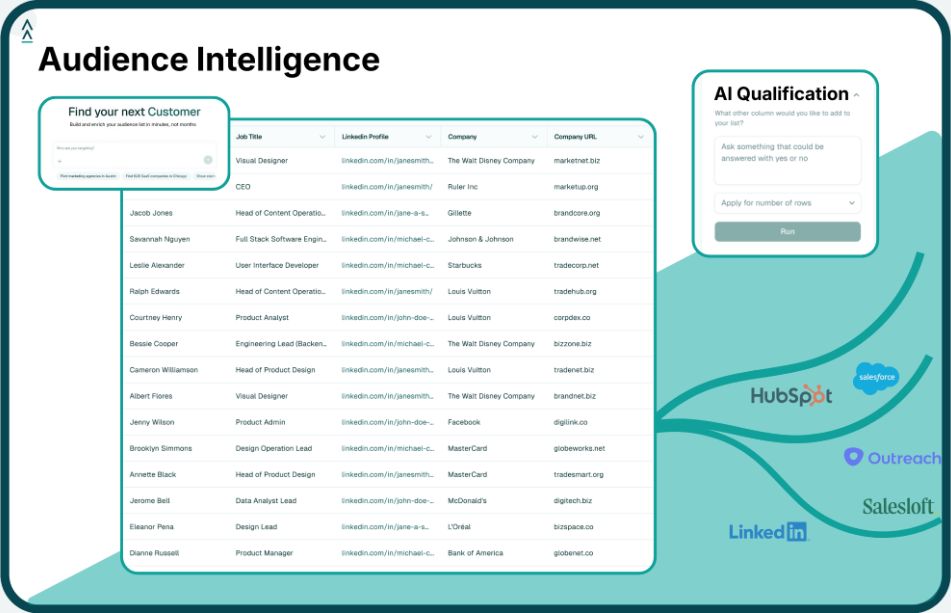
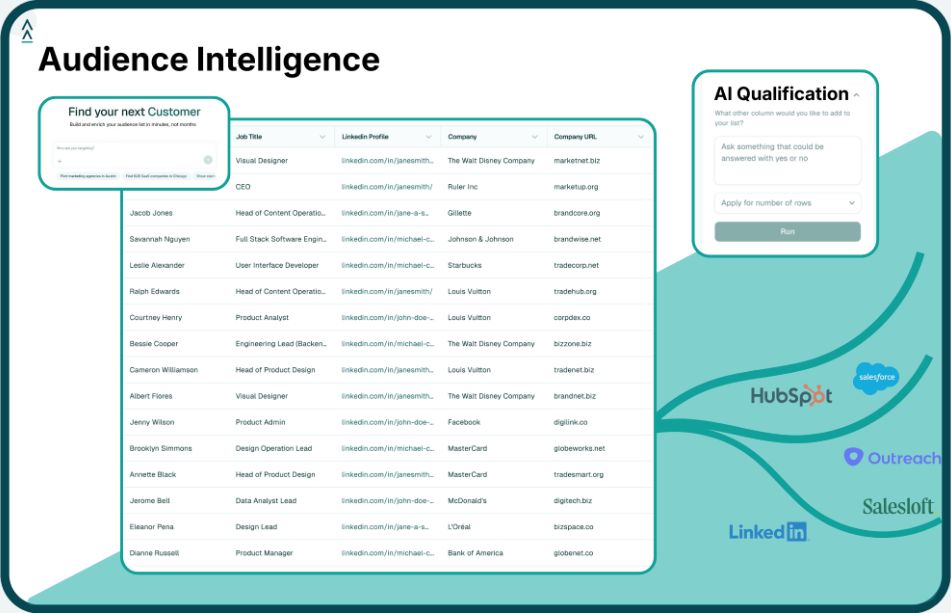
Landbase is one example of a B2B data source that works this way. It is an agentic AI go-to-market data platform with 800M+ contacts, 40M+ companies and 1,500+ fields drawn from 20+ data providers, and it supports natural-language audience building from Claude Code and Codex through the Landbase CLI and an MCP server. New accounts start with 1,000 free credits.
An MCP server is a connector that lets an AI assistant use another app. It tells the assistant what it can do, such as search contacts or pull a report, and runs those actions when asked. The Model Context Protocol is the shared standard that lets one connector work with Claude, ChatGPT, Cursor and other compatible assistants.
No coding is needed for most remote MCP servers. In Claude, a user pastes the vendor's server URL into the connector settings and signs in. Claude Code needs a short one-time setup, which suits RevOps and GTM engineers. Building a new MCP server does take development work, but using an existing one does not.
MCP is as safe as the server, the scopes granted and the approval settings. Use the CRM vendor's own server, grant the narrowest scope that covers the task, keep write actions behind an approval prompt, and remove connectors that are no longer used. Anthropic does not verify custom connectors, so vetting the publisher is the user's job.
An API is an interface developers call from code; MCP is a standard that lets AI assistants discover and call a tool's functions without custom code. Many MCP servers wrap an existing API, adding tool descriptions the assistant can read. Teams still use APIs for production integrations and MCP for assistant-driven work.
Anthropic created MCP and open-sourced it on November 25, 2024. On December 9, 2025, Anthropic donated the protocol to the Agentic AI Foundation, a fund under the Linux Foundation co-founded by Anthropic, Block and OpenAI. Anthropic said MCP's open governance model would continue unchanged.
Tool and strategies modern teams need to help their companies grow.