.png)
.png)

Daniel Saks
Chief Executive Officer


BDR teams do not just need more contacts. They need better account context, cleaner records, and faster ways to turn prospecting ideas into usable lists. A large database can help, but data quality, enrichment, and workflow fit determine whether reps can actually use that data in outbound motion.
Recent research found that 61% of B2B buyers prefer an overall rep-free buying experience. That puts more pressure on BDR teams to make every interaction more relevant once a buyer does engage. A separate report found that more than 80% of buyers are dissatisfied with the provider they choose at the end of a purchase process, showing how difficult the B2B buying experience has become for both buyers and sellers.
Sales intelligence tools help BDR teams work through that complexity. They provide company data, contact records, enrichment, buying signals, technographics, and workflow connections that support better account selection.
This guide reviews sales intelligence tools for BDR teams in 2026. The list focuses on data utility, workflow fit, enrichment, signal coverage, and how each tool supports prospecting operations.
Sales intelligence tools are most useful when they improve the work BDR teams already do every week: identifying the right accounts, finding the right people, adding context, and preparing clean records for outreach.
A practical sales intelligence workflow usually includes:
The best tool depends on the team’s motion. Some BDR teams need broad contact access. Others need phone-verified data, regional coverage, or account-level intent signals. Technical teams may need structured exports and repeatable workflows that can be used inside scripts, dashboards, notebooks, and AI agents.
Primary Use Case: Technical GTM teams, RevOps teams, BDR operations teams, and AI agents that need structured B2B audience data for repeatable prospecting workflows.
Plan Details: Contact Landbase for tailored pricing details.
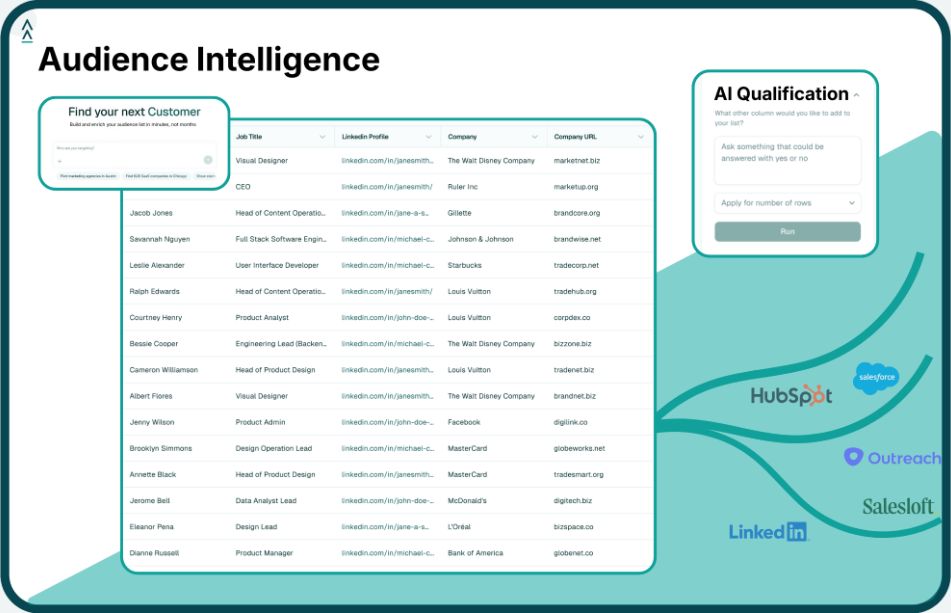
Landbase CLI is a command-line interface for working with GTM data from the terminal, Claude Code, Codex, scripts, dashboards, and other technical environments. Instead of forcing every list-building workflow through a web interface, Landbase lets users describe an audience or data workflow in plain English and return structured outputs.
Landbase CLI is built for teams that treat sales intelligence as a data workflow, not just a lookup task. BDR teams need lists that are accurate, enriched, and ready to move into outreach systems. RevOps and GTM engineering teams need a repeatable way to produce those lists without rebuilding the same workflow manually.
Landbase helps teams move from audience idea to usable dataset. A technical operator can define a target account segment, enrich records, match existing CRM data, and export the results for downstream systems. That makes Landbase useful for account research, prospecting, CRM preparation, and AI-assisted workflows.
The CLI-first approach is especially relevant when GTM data needs to move across multiple systems. Structured outputs can feed dashboards, CRMs, outbound platforms, notebooks, scripts, and AI agents. For BDR operations teams, that means less time cleaning files and more control over how data enters the sales workflow.
Primary Use Case: Revenue teams that need B2B company data, contact discovery, intent data, technographics, and CRM integrations.
ZoomInfo is a B2B data and sales intelligence platform used for company search, contact discovery, account research, intent data, technographics, and CRM-connected workflows.
ZoomInfo is commonly evaluated by teams that need broad B2B data coverage for sales and marketing workflows. It can support BDR teams that need a source of account and contact data before records move into CRM or engagement platforms.
Primary Use Case: Startups and SMB teams that want contact search, prospecting workflows, and outbound engagement features in one product.
Apollo.io combines company search, contact search, enrichment, sequencing, calling, and CRM sync. It is often considered by teams that want prospect discovery and outbound activity in the same workspace.
Apollo.io can support teams that want fewer separate tools for prospecting and outreach. It is relevant when BDR teams need one place to search for contacts, organize lists, and begin outbound engagement.
Primary Use Case: BDR teams that need B2B contact data, CRM enrichment, and prospecting support for European or global markets.
Cognism provides B2B sales intelligence data for prospecting, contact discovery, company research, and CRM enrichment. It is often evaluated by teams with EMEA coverage needs or international data requirements.
Cognism can support BDR teams that need contact coverage and enrichment for outbound prospecting. It is especially relevant when regional coverage and data governance are important parts of the buying criteria.
Primary Use Case: Sales teams that want contact discovery, company search, and prospecting workflows built around real-time search.
Seamless.AI is a sales intelligence platform focused on finding contact and company information for prospecting workflows. Users can search for contacts, build lists, and push records into sales systems.
Seamless.AI is relevant for teams that want contact discovery and list building support. It can help BDR teams prepare prospect records before outreach, especially when the workflow centers on finding contact details quickly.
Primary Use Case: BDR teams that rely on LinkedIn for account research, lead discovery, and relationship mapping.
LinkedIn Sales Navigator gives sales teams advanced search and account research capabilities within LinkedIn’s professional network. It is commonly used for role-based search, account tracking, and social selling workflows.
LinkedIn Sales Navigator is relevant when BDR teams use LinkedIn as a core research and outreach channel. It can support account mapping, role discovery, and warm-path research before records are routed into other systems.
Primary Use Case: BDRs and small sales teams that need browser-based contact discovery and enrichment.
Lusha provides contact data through search workflows and a browser extension. Many users rely on it while researching prospects online or moving contact information into sales tools.
Lusha can support teams that want a lightweight way to find and enrich contact records. It is commonly relevant for individual reps or smaller teams that need browser-based prospecting support.
Primary Use Case: Mid-market and enterprise teams that use account-based programs, intent data, and account prioritization.
6sense focuses on account identification, buying signals, predictive scoring, and account-based sales and marketing workflows. It is often used before outreach to decide which accounts should receive attention.
6sense is relevant when prospecting starts at the account level. It helps teams prioritize accounts before BDRs begin outreach, especially in account-based motions with multiple stakeholders.
Primary Use Case: BDR teams that want to capture contact data from LinkedIn workflows and sync records into sales systems.
LeadIQ supports prospect capture, enrichment, and workflow handoffs from LinkedIn research into CRM and sales engagement tools. It is often used by teams that want to reduce manual copying between tools.
LeadIQ can support BDR teams that already research prospects on LinkedIn and need a faster way to capture, enrich, and route records. It is most relevant when the workflow gap is between prospect research and CRM entry.
Primary Use Case: Sales teams that need B2B contact data, company data, and enrichment workflows for outbound prospecting.
SalesIntel provides B2B sales intelligence data for prospecting and enrichment. Teams use it to find contacts, identify companies, and add missing information to sales records.
SalesIntel can support teams that need contact discovery and enrichment as part of outbound prospecting. It is commonly evaluated when the team wants a data source that can feed CRM and sales engagement workflows.
Sales intelligence becomes more useful when account and contact data can move cleanly into the systems BDR teams already use. Landbase CLI supports that upstream workflow by helping GTM operators turn audience ideas, uploaded records, and enrichment tasks into structured datasets.
Instead of treating sales intelligence as a one-time database search, teams can use Landbase CLI to prepare GTM data in a more repeatable way:
This is useful for BDR operations teams that need more control over how sales intelligence data is created and routed. A team can start with a campaign idea, turn it into a structured audience, enrich the records, and prepare the output for the next system in the workflow.
Landbase CLI is especially relevant for RevOps teams, GTM engineers, Sales Ops teams, and technical founders that work across multiple tools. Teams using Claude Code, Codex, scripts, or notebooks can start with CLI setup, then use the quickstart guide to connect Landbase data with their existing technical workflows.
For teams that want sales intelligence data to be easier to reuse across prospecting, enrichment, CRM preparation, and reporting, review Landbase CLI workflows or book a demo.
A sales intelligence tool helps teams find, enrich, and use account and contact data for prospecting. These tools often provide company records, contact details, technographics, buying signals, enrichment workflows, and CRM connections. BDR teams use them to identify target accounts, find relevant people, and prepare data for outreach.
BDR teams should look for accurate company and contact data, enrichment depth, CRM compatibility, signal coverage, and workflow fit. Teams should also consider how data moves after it is found. A tool that exports structured, clean data can be easier to connect with CRM, outbound, and reporting systems.
Poor data quality creates wasted outreach, duplicate CRM records, bounced emails, and weak account prioritization. Sales intelligence works best when records are current, complete, and matched to the right account. Strong enrichment and matching workflows help BDR teams avoid spending time on records that cannot be used.
Traditional sales intelligence databases are usually built around web-based searching, saved filters, and manual exports. Landbase CLI gives technical GTM teams a command-line way to work with B2B audience data. Teams can describe an audience, run matching or enrichment workflows, manage datasets, and produce structured outputs that fit into CRM, analytics, outbound, or AI-assisted workflows.
Yes. Sales intelligence tools can improve lead generation by helping teams identify better-fit accounts, find relevant contacts, add context, and prioritize prospects with stronger timing signals. The impact depends on the quality of the data and whether the workflow connects cleanly to CRM and outreach systems.
Tool and strategies modern teams need to help their companies grow.