.png)
.png)

Daniel Saks
Chief Executive Officer




One of the biggest data quality issues undermining GTM funnels is stale contacts. A “stale” contact is someone in your database whose information is outdated – think of a lead who changed jobs or an email that’s no longer valid. Stale contacts are nearly inevitable over time, but they can cripple your funnel if left unchecked. Marketing might keep emailing a contact who left the company, or sales might call a number that’s been disconnected – resulting in wasted effort and missed connection with a real buyer.
Approximately 30% of employees change jobs annually, which means nearly one-third of your contacts could go stale every year(2). In fact, B2B contact data overall decays at about 25–30% per year on average – and in high-turnover industries it can reach up to 70%. This rapid decay is a ticking time bomb for your CRM.
Stale contacts can wreak havoc on campaign performance and sales productivity. Outdated email addresses lead to high bounce rates (hurting your email sender reputation) and low engagement. Sales reps waste time pursuing leads who literally aren’t there, delaying them from reaching active prospects. Gartner even found that sending communications to non-existent contacts can damage your sender score and make all your outreach less effective. Moreover, decisions made on old contact data – like scoring a lead or personalizing a pitch – will be flawed. In short, stale data means your GTM funnel is operating on ghost information.
How to catch and fix stale contacts: Proactive data hygiene is key. Here are some steps to ensure contacts stay fresh:
By implementing these practices, you’ll significantly reduce the number of dead ends in your outreach. The result is a GTM funnel fueled by live people and real conversations, not bounce-backs and wrong numbers. Remember, the longer stale contacts sit in your system, the more damage they do – so continuous cleaning is non-negotiable. As one B2B data study put it, letting records age is like letting milk spoil in your fridge; it doesn’t get better with time(2).
Another subtle but serious data quality issue is company mismatches in your records. This happens when the company information associated with a contact is incorrect or inconsistent. For example, a lead might be tagged under the wrong account in your CRM, or their company name and domain don’t align (e.g. the email domain doesn’t match the listed account). Mismatches can also occur if a company’s data (industry, size, location) is outdated or if duplicate account records exist for the same firm. In a GTM context, company-level data is used for routing leads, segmenting campaigns, and tailoring messaging – so when that data is wrong, the entire funnel can be thrown off.
Data inaccuracies at the account level are widespread. In fact, 94% of businesses suspect their customer and prospect data is inaccurate or outdated. It’s no surprise then that 70% of revenue leaders lack confidence in their CRM data – they know there are mismatches and errors undermining their targeting. When your team doesn’t trust the data in the system, they often resort to manual checks, which slows everything down.
When a contact is tied to the wrong company or the company info is wrong, several problems arise. First, lead routing and assignment can fail – for example, a high-value lead might not get routed to the correct account owner if the system can’t recognize they belong to an existing key account. Sales reps might also walk into calls blind if the account insights (industry, tech stack, recent news) are actually for a different company. Marketing campaigns can misfire too: imagine sending a case study about enterprise software to a contact who in reality works at a mid-market firm because your data mislabels company size. These mismatches erode personalization and relevance, which are essential for conversion. They also cause internal confusion – multiple reps might inadvertently approach the same company unaware they’re duplicating efforts, or worse, a prospect might get mixed messages from your team.
How to identify and fix company data quality issues:
By cleansing account-level data and aligning contacts correctly, you build a reliable foundation for your GTM activities. Think of it as making sure all your prospects are seated at the right tables. When marketing and sales know exactly who they’re targeting – and that all contacts for a given company roll up to one unified profile – you avoid the embarrassment of misidentifying a customer and you maximize your influence on each account. The payoff is clear: companies with cleaner data see directly improved campaign ROI and sales efficiency. For example, one study found that organizations with strong data quality management enjoy 15–25% higher conversion rates than those with muddled data. Accuracy at the account level means your funnel isn’t leaking due to avoidable mix-ups.
Modern GTM teams rely on data enrichment to fill in the gaps in lead and account profiles. Enrichment – whether via manual research or, more commonly, an automated vendor – is supposed to append missing fields like phone numbers, job titles, industries, technographics, and more, giving you a complete picture of each prospect. But what happens when enrichment fails? Enrichment failures are a data quality issue where key fields remain blank, incorrect, or outdated despite your efforts to populate them. This often shows up as missing phone numbers, generic titles (“Manager” with no context), or outdated info that was pulled from a stale source. If left unfixed, these gaps can undermine lead scoring, personalization, and sales outreach effectiveness.
A shocking 91% of CRM data is incomplete, and 70% of that data decays annually(3). In other words, virtually every B2B organization is fighting an uphill battle with missing or aging information. No wonder 80% of companies report they have “insufficient data” about their prospects’ needs in some form, according to industry surveys. Every blank field in your CRM represents a potential blind spot about your customer.
Incomplete or incorrect data handicaps your GTM execution in multiple ways. For marketing, missing fields can mean the difference between a perfectly targeted campaign and a bland, one-size-fits-all message. (Imagine trying to tailor content by industry, but half your contacts lack an industry field – you either send generic content or risk mis-targeting.) For sales development, not having a direct phone number or a valid LinkedIn profile means slower, less effective outreach. Lead scoring models also suffer – they typically weigh firmographic or behavioral inputs, but if those inputs are empty or wrong, scores can be way off, causing hot leads to be overlooked and lukewarm ones to get attention. Ultimately, enrichment failures lead to wasted effort and missed opportunities. A sales rep might give up on a lead that lacks a phone number, not realizing a simple data fix could open a line of communication. Or a promising account might slip through because their profile was missing a key signal (like recent funding) that would have flagged them as high priority.
How to detect and fix enrichment failures:
Closing the gaps in your data will directly boost your funnel’s performance. Companies that actively manage data completeness and quality have a big edge. For instance, Gartner observed that businesses using consistent data enrichment see up to 45% higher sales productivity due to more accurate targeting and less time spent researching missing info(2). When GTM teams have all the key context on a lead – correct contact info, a real title, industry intel, recent activity – they can tailor their outreach and prioritize effectively. The end result is a smoother journey for prospects (receiving relevant, timely messages) and a more efficient funnel for your organization. Don’t let missing data be the reason a deal slips away.
The final data quality issue to tackle is ICP duplication – duplicate records related to your Ideal Customer Profile or target accounts. In plain terms, this is the problem of duplicates in your database: multiple entries for the same person or company, or overlapping records that should be unified. Duplication is a classic data quality foe. It clutters your systems, skews your metrics, and can lead to embarrassing GTM missteps (like two reps unknowingly contacting the same account). Specifically for your ICP – those high-value target accounts and buyers – duplicates can be extra damaging. They might cause you to overestimate the size of your pipeline (counting the same opportunity twice) or send mixed messages to a prospect from different reps. Unfortunately, duplicates are far more common than most teams realize.
On average, 15–30% of a B2B contact database is duplicate data. Yes, as much as a third of your records could be redundant! Additionally, roughly 10–30% of data in CRMs is found to be duplicates according to various industry analyses(4). It’s not just a minor nuisance – it’s a pervasive issue that directly impacts your funnel’s efficiency.
Duplicate data strikes in a few ways. First, it wastes resources – marketing might be paying to market to the same person twice, and sales reps might each spend time on what they think are two separate leads that turn out to be one. This “double-work” piles up; one report found that sales teams lose 550 hours per rep per year due to dealing with bad data (including duplicate records) in the CRM. That’s nearly 14 weeks of lost selling time! Second, duplicates can damage the customer experience. For example, if two different salespeople inadvertently call the same prospect, or if a prospect gets added to two email sequences at once, it reflects poorly on your company and annoys the customer. Data duplicates also screw up analytics and forecasting – imagine trying to calculate conversion rates or customer acquisition cost when the underlying data double-counts certain leads or opportunities. The insights you draw from a duplicate-ridden dataset will be off, which can lead to strategic mistakes. In short, duplicates create confusion, inflate your funnel figures with phantom entries, and can sour potential deals through over-contact.
How to eliminate ICP duplicates and keep your data unique:
By purging duplicates and preventing new ones, you’ll have a cleaner, more reliable funnel. You’ll be able to trust your metrics – like knowing that if you have 1,000 MQLs this quarter, those are 1,000 unique potential buyers, not 800 real people lost in 200 duplicates. The efficiency gains are substantial: companies with rigorous duplicate management report faster lead follow-up times and improved sales productivity, since each rep is working with a distinct set of opportunities. As a bonus, your prospects and customers will thank you (perhaps silently) for sparing them the confusion of duplicate outreach. Clean, de-duplicated data means smoother coordination internally and a more polished experience externally, which ultimately drives higher conversion rates in your GTM funnel.
We’ve covered a lot of tactics, from manual checks to automation. As data quality challenges grow, one of the most powerful emerging solutions is the use of AI-driven data signals and qualification to maintain clean, up-to-date data. Traditional data management can’t always keep pace with the rate of change in B2B data – that’s where artificial intelligence and real-time signals come in.
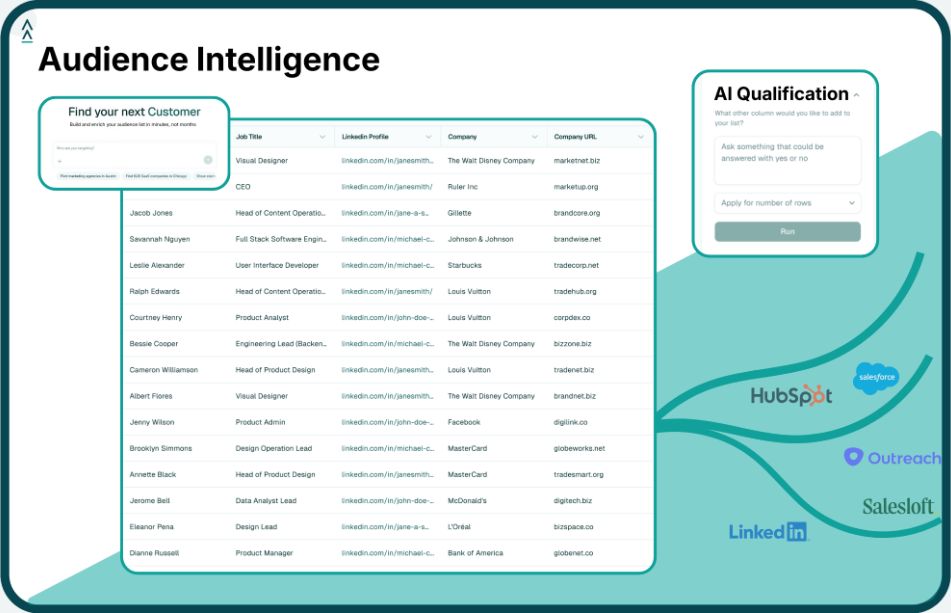
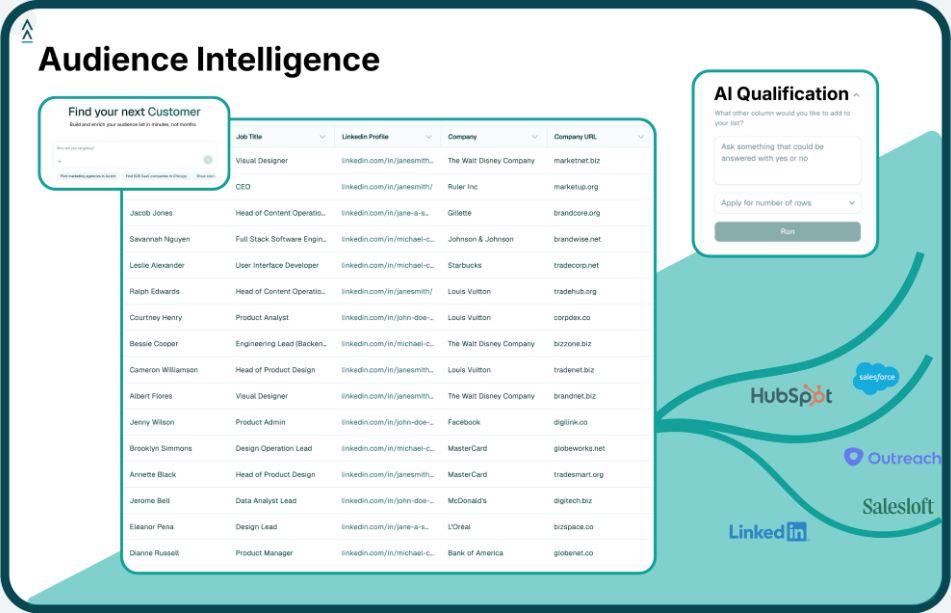
Advanced platforms (like Landbase’s agentic AI) combine vast data signals with AI reasoning to continuously enrich and verify your GTM data. They essentially act as an ever-vigilant data guardian for your funnel. Here’s how such an approach tackles the issues we discussed:
In short, AI and live data signals function like a dynamic data quality filter for your GTM operations. They work in the background to catch what humans or static tools often miss. As a result, teams leveraging these advanced solutions see dramatically improved data hygiene with much less manual effort. According to industry reports, companies using AI-driven data management have 40% fewer data errors and spend 80% less time on data maintenance than those relying on manual cleanup alone. It’s a game-changer when your team can focus on engaging customers instead of constantly fixing spreadsheets.
Data quality issues don’t have to be the bane of your go-to-market efforts. By proactively addressing stale contacts, company mismatches, enrichment gaps, and duplicates, you can dramatically improve your funnel’s efficiency and effectiveness. Remember, data quality is not a one-time project but an ongoing discipline – the companies that excel are those that bake it into their regular GTM operations. They audit, they clean, they enrich, and they leverage smart technology to stay ahead of decay.
The impact of a clean database is tangible: higher email response rates, better lead conversion, more accurate forecasting, and ultimately more revenue. As we saw, simply eliminating bad data and duplicates can recover a huge chunk of lost productivity and revenue leakage. It’s no exaggeration that improving data quality might be the highest-ROI work your RevOps or marketing ops team can do this year.
In the era of AI, we also have new allies in this fight. Tools like Landbase bring together vast signals and agentic AI to maintain data quality at scale – catching mistakes and updates in real time so your team is always working with reliable data. Adopting such solutions can multiply your efforts and ensure that no lead falls through the cracks due to bad data.
Ultimately, when your data is accurate and complete, your GTM teams can focus on what they do best: crafting great campaigns, building relationships, and closing deals. You’ll spend less time apologizing for misdirected emails or wrong names, and more time celebrating new customers. Clean data equals a healthy funnel, and a healthy funnel leads to a thriving business.
Tool and strategies modern teams need to help their companies grow.