.png)
.png)

Daniel Saks
Chief Executive Officer


Your AI agent works fine. The data feeding it does not.
This is the uncomfortable reality behind most failed AI deployments in GTM. The agent works exactly as designed. It reads the data, applies the logic, and produces output. But when the data is incomplete, inconsistent, or stale, the output is wrong. And the team blames the AI.
According to Gartner research, organizations will abandon 60% of AI projects unsupported by AI-ready data through 2026. The failure is in the input layer, not in the model.
Understanding why AI agents fail requires understanding how they work. An AI agent in GTM typically does this:
Each step depends on the previous one. If step 1 reads incomplete data, step 2 applies criteria to incomplete information, and step 3 produces an incomplete or wrong output. The agent did exactly what it was supposed to. The data just was not there.
You set up an AI qualification agent with these rules: qualify accounts with 100+ employees, in SaaS, using Salesforce, with Series B+ funding.
The agent reads a CRM record. Employee count: blank. Industry: blank. Technology stack: blank. Funding: blank.
The agent cannot qualify this account. It either skips it (and you miss a potential deal) or makes a low-confidence guess (and routes it wrong). Either way, the output is bad because the input was empty.
Now multiply this by the 76% of CRM records that are less than half complete. Your AI qualification agent is effectively blind on 76% of your database.
AI agents skip records with missing fields or apply default values. Both produce wrong output. The dangerous part is that the output looks plausible. A score of 0 looks like a bad account, not a missing data problem.
An AI email writer that drafts a personalized email referencing a job title the person left 6 months ago looks worse than a generic email. The AI produced confident output because the data looked valid, even though it was months out of date.
An AI agent told to target accounts in the "United States" will miss records labeled "US", "USA", or "U.S.A." The agent is doing exactly what you asked. The data just does not match.
If a company has 3 duplicate accounts in your CRM, the AI agent sees 3 separate companies. Engagement history gets split across records and signal data becomes fragmented. The agent makes 3 separate decisions about what is actually one opportunity.
An AI agent reading CRM data without access to intent signals, technographic data, or hiring activity is making decisions based on a partial picture. It is like trying to qualify an account by looking at the company name and nothing else.
When AI agents produce bad output, most teams do one of three things:
The correct fix is number four: fix the input layer. Give the AI agent clean, complete, current data and the output improves immediately.
Before fixing anything, measure the problem. Check completeness, accuracy, freshness, and duplicates across your CRM. This tells you where the input layer is broken.
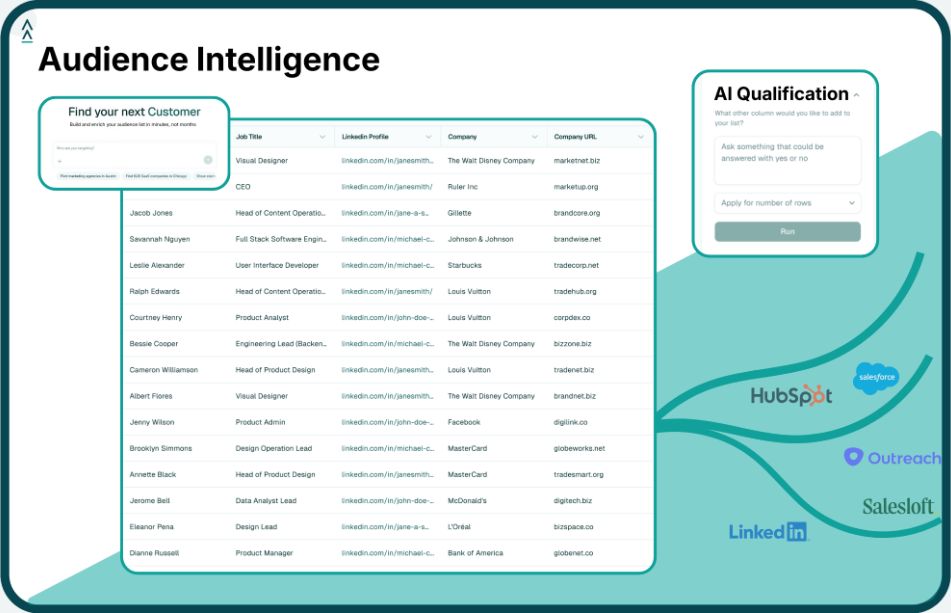
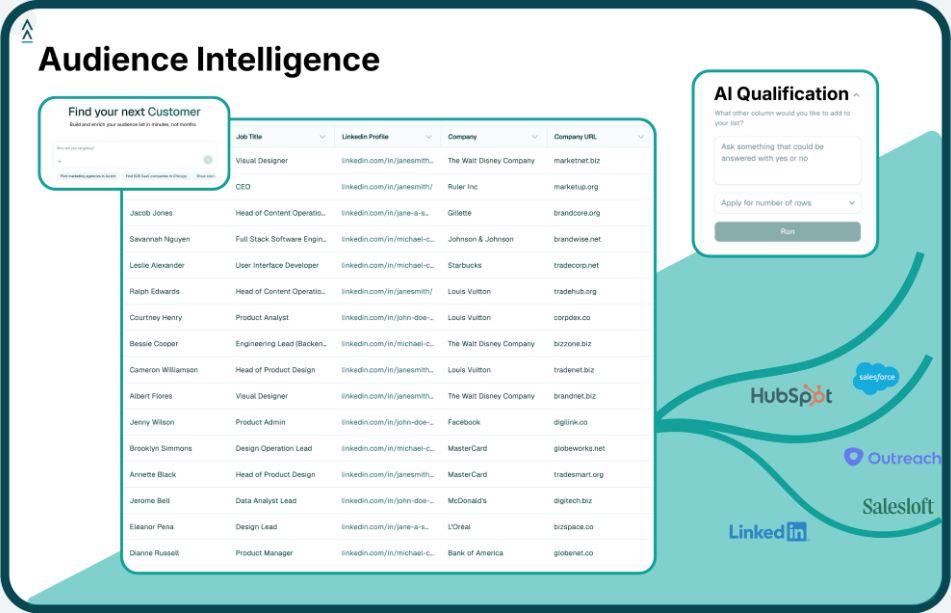
Fill the gaps in your CRM with data from a verified external source. Landbase delivers accounts with 1,500+ enrichment fields (firmographic, technographic, intent signals, funding, hiring data) as a CSV export. Import this into your CRM to fill the missing fields.
Set up enrichment at the point of entry. Every new record that enters your CRM should arrive pre-enriched. This prevents the 76% incompleteness problem from growing.
Data decays continuously. Re-export enriched data from Landbase every 90 days to catch changes in job titles, company size, technology stack, and contact information.
With clean inputs, your AI agents will produce dramatically better output. The same qualification logic, the same personalization templates, the same routing rules. The only difference is the data quality. The results will speak for themselves.
Before. Always before. Deploying AI on dirty data produces bad output at scale. It is worse than doing nothing because it creates confident-looking decisions that are wrong. Fix the input layer first.
Less than the cost of bad AI output. For most teams, a data enrichment platform costs $30k-$100k per year. The cost of failed AI projects, wasted rep time, and lost deals from bad data is 5-10x higher.
For one-off cleanup tasks like deduplication and format standardization, yes. For ongoing enrichment with external data (firmographics, technographics, signals), you need a data platform with access to those sources. Claude Code is great at logic. It does not have a B2B database.
Bulk enrich your existing CRM records from Landbase (1-2 days). Set up enrichment at point of entry for new records (1 day). Deploy AI tools on the enriched data (1-2 weeks). Total time to AI-ready: 2-3 weeks.
Tool and strategies modern teams need to help their companies grow.